
How to Write an SOP | A Step by Step Guide (Plus When to Bring in SOP Writing Services)
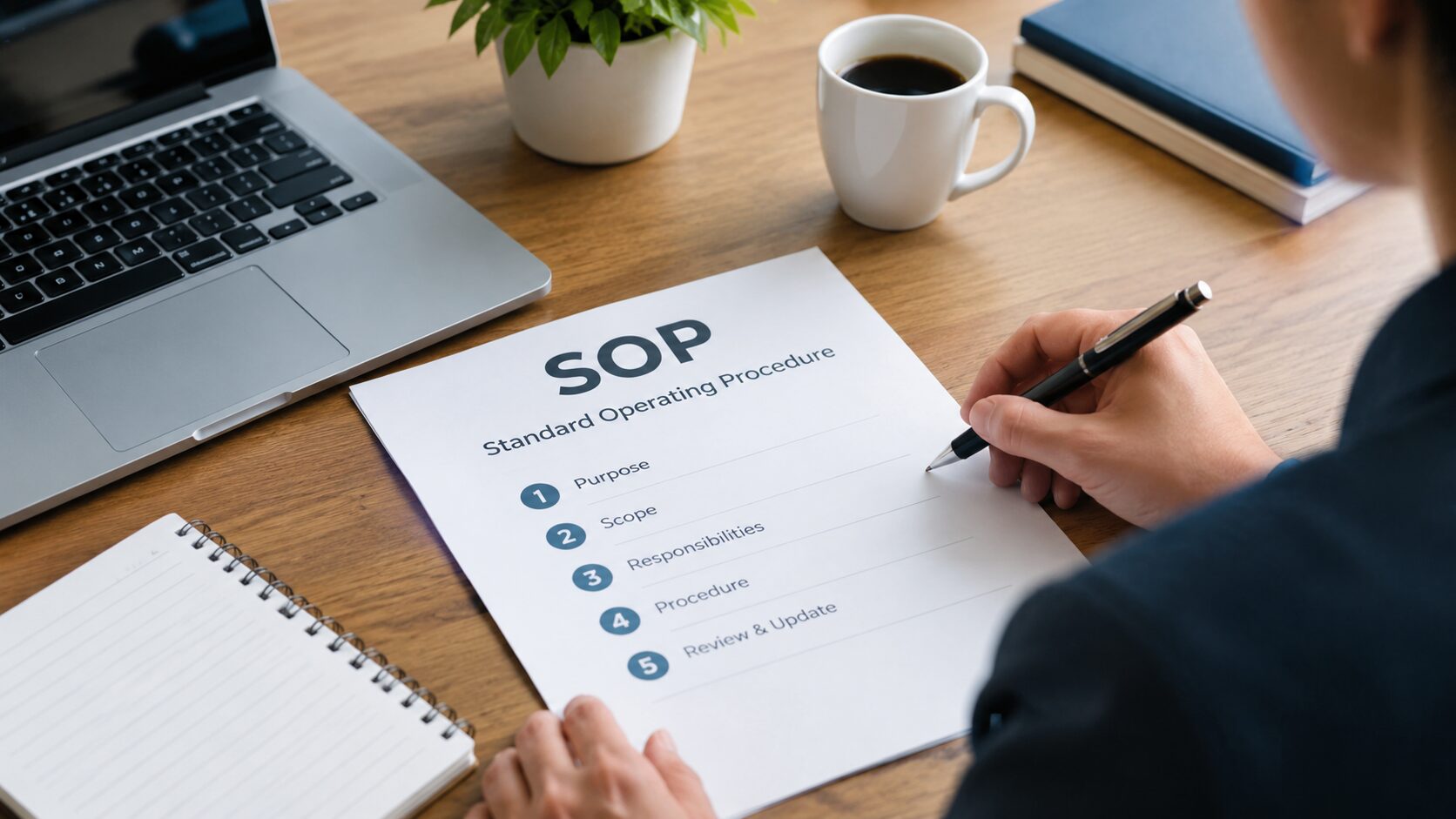
To write an SOP, define the process’s purpose and scope, identify who performs it, break the work into clear numbered steps in the order they happen, note tools/inputs and quality checks at each step, add safety or compliance notes, and have someone outside the process test it before publishing. Most teams get a usable draft in a few hours — but SOPs used for training, audits, or compliance benefit from professional SOP writing services to ensure accuracy, consistency, and formatting that holds up to review.
If you’ve ever handed a new hire a “process document” that was really just a Slack thread pasted into a Word file, you already know why this matters. A good SOP (Standard Operating Procedure) is the difference between a process that survives someone leaving the company and one that walks out the door with them.
Below is a practical, step-by-step framework for writing an SOP — the same structure we use when clients bring us in for SOP writing services — followed by guidance on when it’s worth handing the job to a professional.
What Is an SOP, Exactly?
A Standard Operating Procedure is a written document that describes, step by step, how to carry out a specific process consistently. Good SOPs answer four questions before anyone even starts the task:
- What is being done, and why does it matter?
- Who is responsible for doing it?
- When or under what conditions does it apply?
- How, exactly, step by step, is it done?
SOPs show up everywhere: manufacturing and quality control, healthcare and lab procedures, customer support workflows, IT and security processes, onboarding, and compliance-driven industries like finance and pharma. The format changes slightly by industry, but the underlying discipline — clarity, repeatability, and no ambiguity — stays the same.
How to Write an SOP: A 7-Step Framework
1. Define the Purpose and Scope
Before writing a single step, answer: what problem does this SOP solve, and where does it start and stop? A common mistake is writing an SOP that quietly tries to cover three different processes at once. Keep scope tight — one SOP, one process.
2. Identify Your Audience and Their Starting Knowledge
Are you writing for a brand-new employee with zero context, or an experienced technician who just needs a reference? This determines how much background you explain versus assume. Writing for the least experienced person who will realistically use the document is almost always the safer bet.
3. Choose a Format That Matches the Process
- Simple, linear tasks → numbered step-by-step format
- Processes with decision points → flowchart or if/then format
- Highly technical or multi-role processes → hierarchical steps with sub-steps, or a table format with columns for step, responsible role, and expected outcome
4. Break the Process Into Clear, Sequential Steps
This is the core of the SOP. Each step should:
- Start with an action verb (“Open,” “Verify,” “Record,” “Escalate”)
- Cover one action per step — if a step has “and” doing two different things, split it
- Include exact tools, systems, thresholds, or values needed (not “check the pressure” but “verify pressure reads between 30–35 PSI”)
- Note what “done correctly” looks like, so the person knows when to move on
5. Add Safety, Compliance, and Escalation Notes
Where relevant, call out safety warnings, regulatory requirements, or what to do when something goes wrong — who to contact, and under what conditions to stop and escalate rather than proceed.
6. Include Visuals Where They Save Words
A single annotated screenshot or diagram often replaces several paragraphs of description and reduces misinterpretation — especially valuable for software workflows, equipment setup, and anything spatial.
7. Test It With Someone Outside the Process
This step gets skipped constantly, and it’s the one that actually determines whether an SOP works. Hand the draft to someone who has never done the task and watch them try to follow it exactly as written, without filling gaps from memory. Every place they hesitate or guess is a gap in the document, not a gap in their understanding.
A Simple SOP Template You Can Use Today
Title:
Purpose:
Scope (what this covers / does not cover):
Roles & Responsibilities:
Tools/Systems Required:
Step-by-Step Procedure:
1. [Action verb] …
2. [Action verb] …
3. [Action verb] …
Safety/Compliance Notes:
Escalation Path:
Revision History (date, version, author, summary of change):
Keep a revision history from day one. Undated, unversioned SOPs are one of the fastest ways to lose trust in your documentation — nobody knows if they’re looking at the current process or one that changed two reorgs ago.
Common SOP Mistakes to Avoid
- Writing steps in the order you think about them, not the order they happen. Walk the actual process, don’t write from memory at your desk.
- Assuming context the reader doesn’t have. “Update the record” means nothing without specifying which system and which field.
- Letting SOPs go stale. An outdated SOP is often more dangerous than no SOP, because people trust it.
- Publishing a wall of text. If a step needs three sentences, it’s probably two steps.
- No ownership. Every SOP needs a named owner responsible for keeping it current.
Why SOP Quality Matters More Than Ever in 2026
If your SOPs also live in a public knowledge base, help center, or client-facing portal, there’s a search and AI-visibility angle worth knowing about. Google rolled out two significant ranking updates in 2026: the May 2026 core update, a broad quality re-evaluation across the web, and the June 2026 spam update, which refined Google’s automated spam-detection systems (including SpamBrain) to catch thin, templated, or unedited AI-generated content.
Together, these updates reinforce a trend that’s been building for a while: search engines and AI answer tools (Google AI Overviews, ChatGPT, Perplexity) increasingly favor content that shows real, first-hand process knowledge — exactly what a well-built SOP demonstrates — over generic or auto-generated instructions. Clear, numbered, well-maintained SOPs are also naturally suited to being surfaced directly in AI-generated answers, since that format is precisely what these systems are built to extract and cite.
In short: writing SOPs well isn’t just an internal efficiency win anymore. If any of that documentation is public-facing, it’s also increasingly an SEO and AI-visibility asset.
When to Write It Yourself vs. Use SOP Writing Services
Writing your own SOP makes sense when the process is simple, low-risk, and you have the bandwidth to test and revise it properly. Consider professional SOP writing services when:
- The SOP supports compliance, audits, or certifications (ISO, FDA, HIPAA, SOC 2) where formatting and traceability matter as much as content
- The process is complex or cross-functional, involving multiple roles, systems, or decision branches
- You need dozens or hundreds of SOPs standardized across departments or locations
- Your subject-matter experts know the process but don’t have time to write it clearly — a common bottleneck
- The documentation needs to be consistent, on-brand, and maintained long-term, not a one-off document
A professional technical writer brings something most internal teams don’t have time to do consistently: interviewing the actual process owner, testing the draft with a fresh set of eyes, and structuring it so it holds up under audit, onboarding pressure, or a busy shift — while also formatting it to perform well if it’s published publicly.
Frequently Asked Questions
- How long should an SOP be?
As long as it needs to be to remove ambiguity, and no longer. Most single-process SOPs run one to three pages. If yours is running past five pages, it’s usually a sign the scope is too broad and should be split into multiple SOPs.
- What’s the difference between an SOP and a work instruction?
An SOP typically describes the overall process, policy, and responsibilities; a work instruction gets more granular on the exact mechanical steps of one task within that process. Smaller organizations often combine both into one document.
- Who should own an SOP once it’s written?
The person or role closest to performing the process, not a central documentation team disconnected from daily execution. Ownership should be a named individual or role, tracked in the revision history.
- Do SOPs need to follow a specific regulatory format?
It depends on your industry. FDA, ISO, and HIPAA-regulated environments often have specific formatting, approval, and version-control requirements. If you’re in a regulated industry, it’s worth having a professional review your SOP template before rolling it out at scale.
- Can AI tools write my SOPs for me?
AI tools can help draft a first pass or reorganize existing notes, but they can’t observe your actual process, catch real edge cases, or verify accuracy — and unedited AI-generated SOPs are exactly the kind of thin, unverified content current Google spam-detection systems are built to flag. Use AI as a drafting aid, not a replacement for testing and expert review.
Ready to Turn Your Process Knowledge Into SOPs People Actually Follow?
Whether you need one critical SOP written correctly the first time or a full library standardized across departments,RLR Technical Writing Solutions builds documentation that’s clear, accurate, and audit-ready. Start your project and let’s turn your process into documentation your team can actually rely on.